
Pi Bot's brain runs on your own computer: chat history, settings, memory and audit records stay on this machine. This page explains what stays local, what leaves and where it goes, and how Pi Bot limits what Bots can do.
What stays local
- Chat history, topics and attachments
- Bot settings, personas, skills and memory
- Routines and to-dos
- Activity records (audit), work receipts and change checkpoints
- Contents of the local calendar, contacts and Obsidian knowledge (read by Bots according to your permissions)
All of this is in the local data folder (see 12 · Updates and data).
What leaves your computer
Data leaves this computer only in the cases you choose:
| Recipient | What | When |
|---|---|---|
| The model provider you chose | Conversation content, relevant file excerpts and web content the Bot read | When you use an online model. With a local model (such as Ollama) nothing leaves |
| The auxiliary model's provider | Relevant content for context compaction, handoffs, translation, web extraction | If you chose an auxiliary model; by default it follows the main model |
| The search service | Search terms | When a Bot searches the web; you choose the service, and keyless services ask the first time |
| Websites Bots visit | Ordinary web requests | When a Bot visits a site; each site asks the first time |
| Connected services (such as Notion, MCP servers) | What a call to that service needs | After you connect them and give them to Bots; writes and outgoing sends are confirmed each time |
| The relay | End-to-end encrypted data (the relay can't read it), IP address, connection times, frame sizes, presence | After you turn on Allow paired devices to connect, when phones and runners connect |
| pibot.space | Only reads the latest version information; no identity or usage data | When checking for updates |
With a ChatGPT plan, conversations go straight to OpenAI with no other server involved.
No telemetry
Pi Bot collects no usage data and doesn't report crashes automatically. There are two ways to report a problem, both done by you: open a prefilled GitHub issue in your browser (you decide whether to post it), or export redacted logs and send them yourself. Neither contains chats, file contents or keys.
Keys
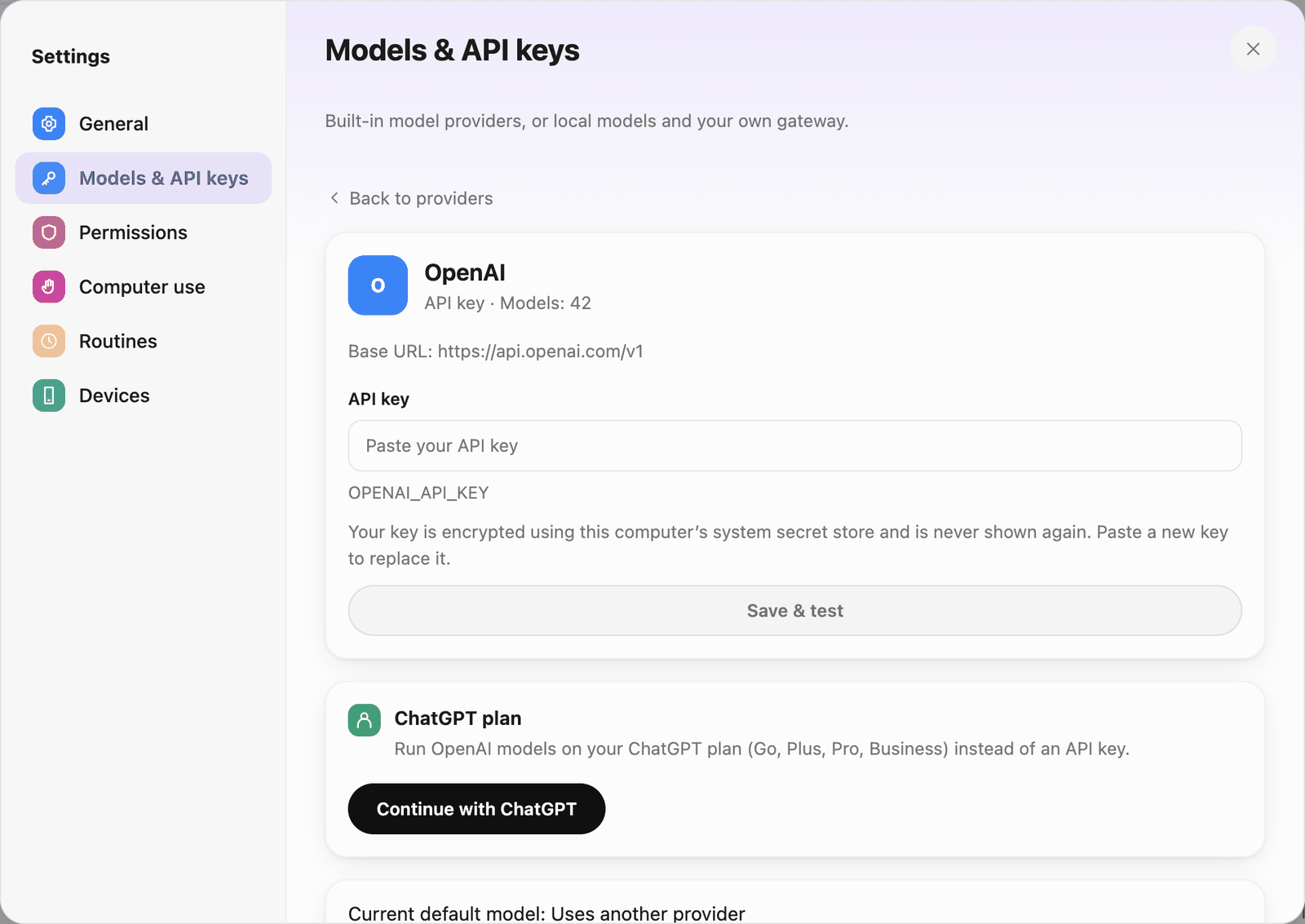 An empty API key field; the system protects it after saving
- API keys, sign-in tokens and saved account passwords are encrypted with the system secret store on this computer.
- After saving, the interface shows only the last 4 characters of a key.
- Keys are never written to logs, sent to the interface, or shown to Bots and models. When the Bot browser signs in with a saved account, neither the Bot nor the model sees the password.
- The model keys needed for the phone's offline mode sync to a paired phone only after you turn it on, and are cleared when you revoke or unpair.
Limits on what Bots can do
- Permission checks: every tool a Bot calls goes through a permission check, with no way around it (see 5 · Approvals and permissions).
- Work location: by default Bots write only in working folders; writes elsewhere are confirmed each time, and read-only references can't be written.
- Command isolation: on macOS and Linux, commands run in a sandbox and network access is limited by the Allowed websites list. Windows doesn't support command isolation yet, so every command needs your approval.
- The Bot's browser: completely separate from your browser, with none of your sign-ins; by default it can't open this computer's or private network addresses.
- Computer use: each task asks first; password managers, terminals and system security apps are always blocked; a global shortcut stops everything.
- Sending externally: sending as you (for example an email) is confirmed every time.
- Untrusted content: web pages, files and model output are treated as untrusted and never executed as instructions.
Traceability
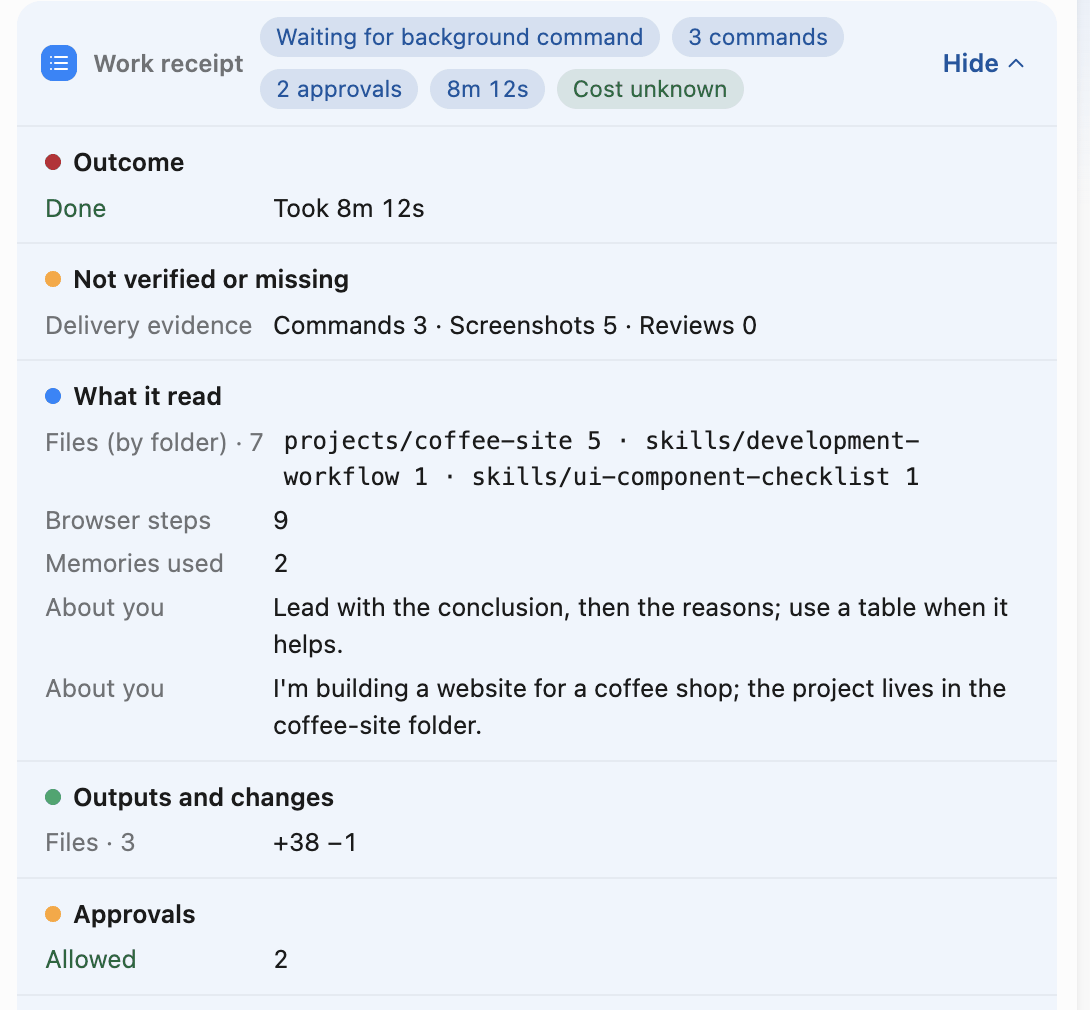 Check actions, approvals, and deliverables in a work receipt
- Work receipts: each run lists what it read, what it changed, which commands ran, which approvals it went through, what it cost and what wasn't verified.
- Activity records: every approval, run and outgoing action, stored only on this computer.
- Changes panel: every file change can be reviewed line by line and discarded; checkpoints are kept automatically before changes.
Fully offline use
Choose a local model (such as Ollama) in the welcome flow or in Settings › Models & API keys, set Visit websites to Never and turn off Commands run by bots can access the network in Settings › Permissions; then conversations and files don't leave this computer.